For QLD real estate agents & property managers
Walk the property, tap Clean · Working · Undamaged, add photos and comments, sign on screen — and share a tidy PDF before you've left the driveway.
The forms
Entry to exit to routine — filled from a friendly checklist, not a PDF you pinch-zoom on site.
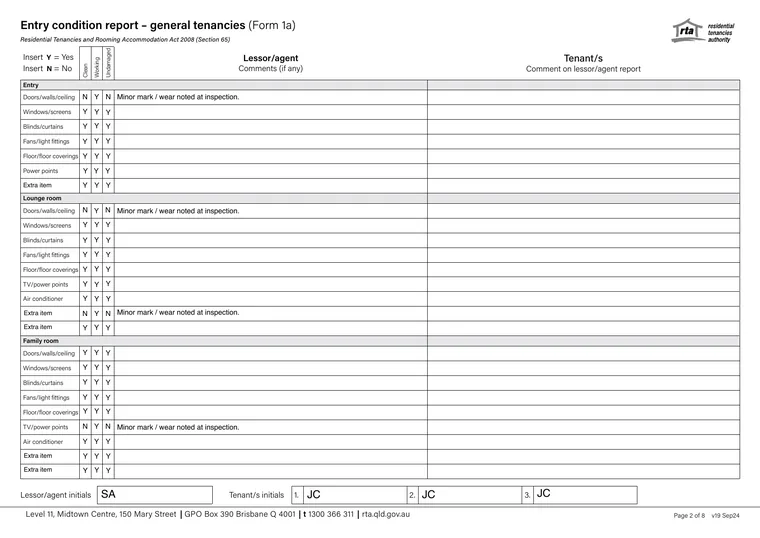
Room-by-room condition at the start of a tenancy — with photos, comments and signatures.
Kept up to dateRoom-by-room condition at the end of the tenancy, using the same fast grid.
Kept up to dateGive notice of entry — who's coming, when and why, ready to send.
Kept up to dateBuilt-in area layouts or your own templates — every property remembers its setup.
Your templatesHow it works
Pick a saved property and the address, tenants and dates prefill for you — or start from scratch or a template.
Tap Clean · Working · Undamaged for each item, adding comments and photos as you go.
Collect ink signatures right on the phone — no printing, no scanning.
A tidy, professional report renders on your iPhone in moments — email or share it on the spot.
Why EzyInsp Pro
Small things that add up to hours every week.
Reports are created and PDFs generated entirely on your iPhone. No signal at the property? No problem.
Saved properties keep their tenants, owner and manager — the next report practically starts itself.
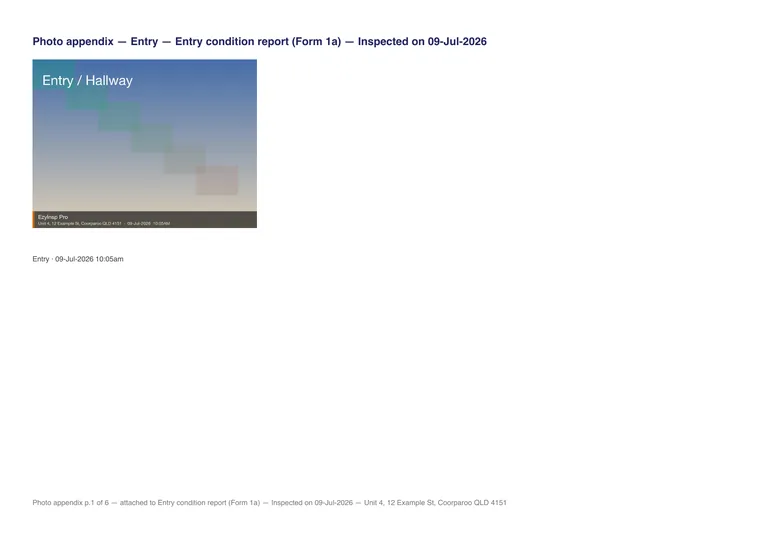
Date-stamped watermarks and a clean, labelled photo appendix in every report.
Built-in layouts from a 10-area apartment to a 22-area house — or start empty and save your own templates.
Search by property or address, filter and sort, duplicate a report, or turn one into a template.
Form versions stay up to date automatically — the app lets you know when newer forms are available.
Privacy by design
Reports, photos and signatures live on your device, and PDFs render right on the phone. Our server only ever sees your email, your subscription state and a monthly count of reports created — never their contents. No ads, no trackers, no analytics SDKs.
Read the privacy policy →Pricing
Start free with every feature included. Upgrade only if you need more than 10 reports a month.
No card required. Your allowance resets each calendar month.
or A$34.99/year — save 42% vs monthly
Billed through your Apple ID. Auto-renews until cancelled at least 24 hours before the period ends — manage in Settings. Refunds are handled by Apple.
FAQ
Yes. Reports and PDFs are created entirely on your iPhone. You sign in once (Sign in with Apple or an email code); after that, inspections work with no signal at all — the app syncs your monthly count next time you're online.
Creating a new report — whether from a property, from scratch, from a template or by duplicating one. Viewing, editing, regenerating and sharing PDFs are never limited, and deleting a report doesn't return a credit. The allowance resets each calendar month.
Yes — the app fetches the current form versions automatically and tells you when newer forms are available. Reports you've already saved always remain available to view and share.
It stays on your device. Our server stores your email address, subscription state and monthly report counts — never report contents, photos or signatures. Settings → Delete account removes your account and server records, and erases the app's local data.
Through your Apple ID: A$4.99/month or A$34.99/year. Subscriptions renew automatically until you cancel — at least 24 hours before the period ends — in Settings → Manage subscription or in your Apple ID settings. Refunds are handled by Apple.
Free on the App Store — 10 reports a month, every feature included.
Download on theApp Store